
Archive of the Gamebuino Classic forum (2014-2018), rebuilt from the pages kept by the Wayback Machine: only part of the topics and pages were captured. Read-only. Removal on request: hi@gamebuino.com.
PADUINO (Gamebuino Clone)
TranAnhDeGBN Mon Jun 12, 2017 5:06 pm
Thank Mr r0d0t for the Gamebuino project.
Thank for the great help of members in this forum
This is the link of PCB (altium):
https://drive.google.com/open?id=0B-oaK ... mZUaFVBUDA
Video demo:
https://www.youtube.com/watch?v=ocNuJvJDAUM
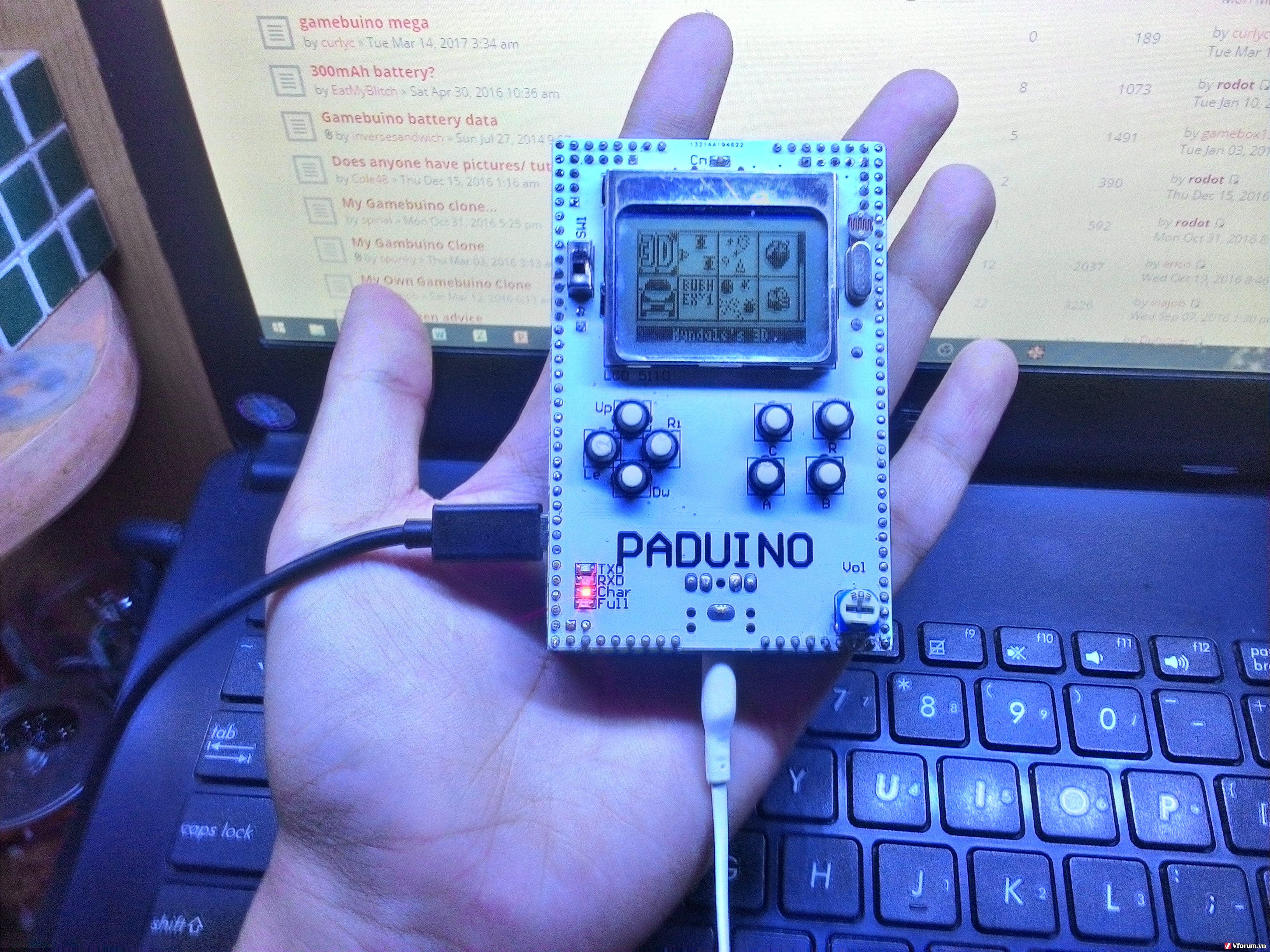
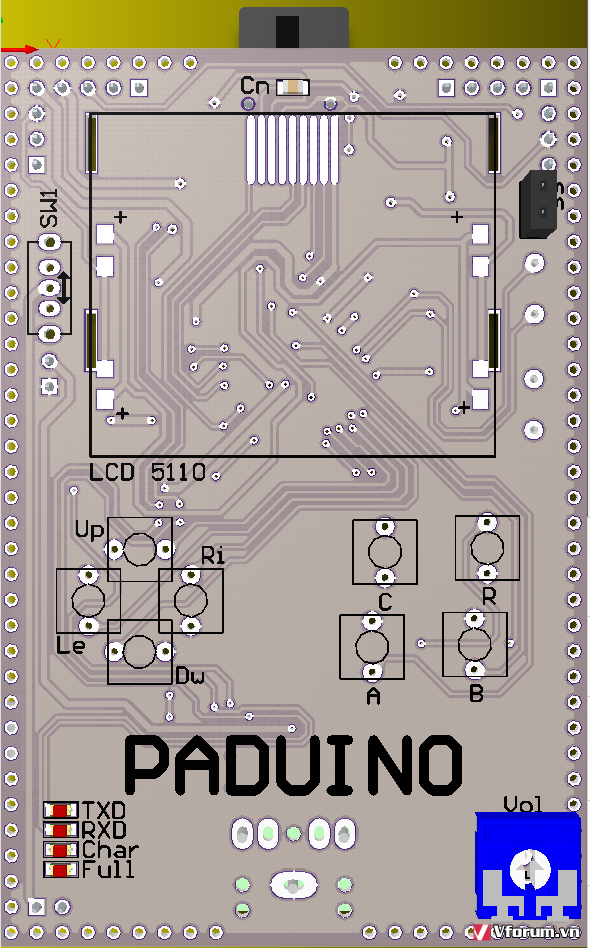
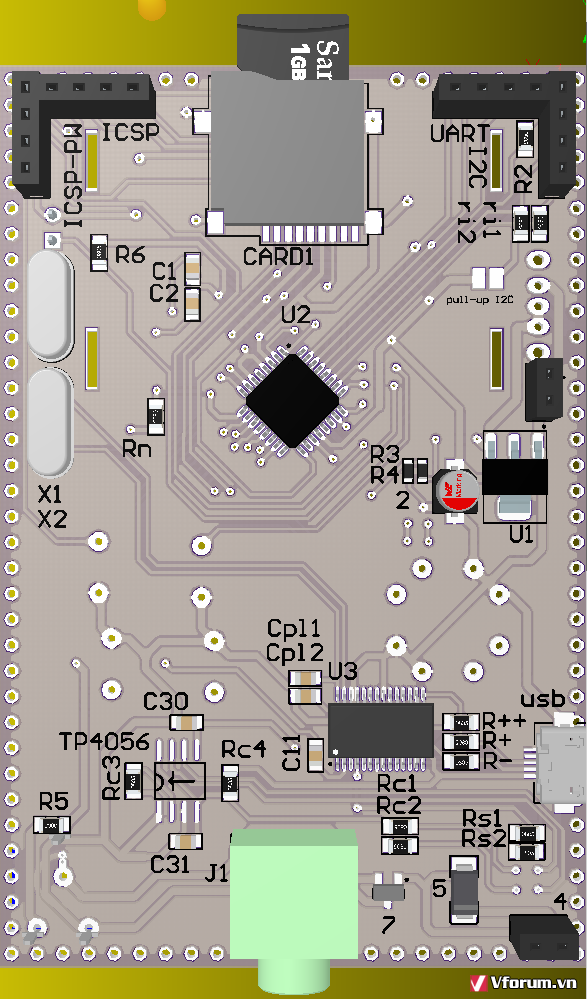
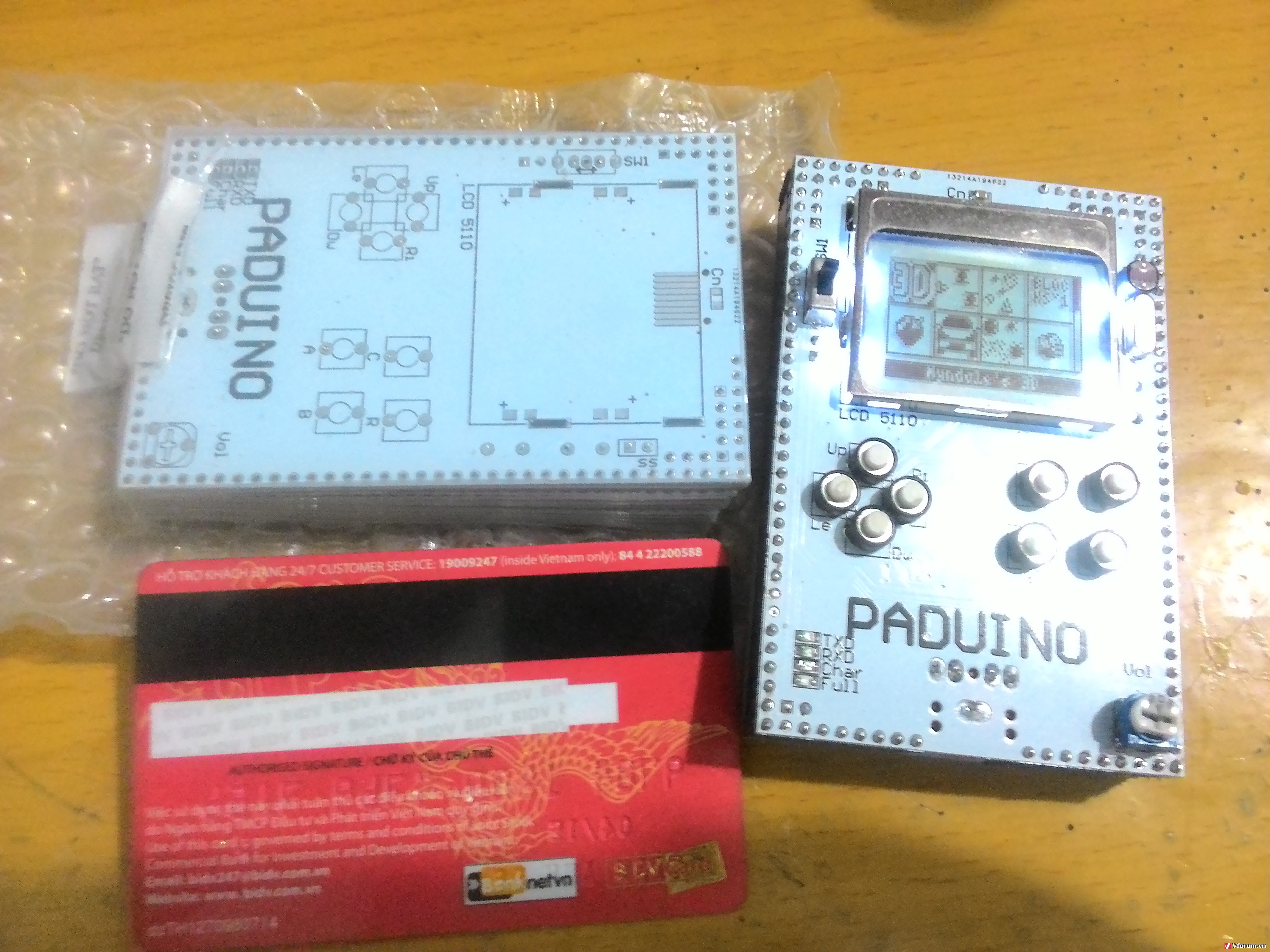
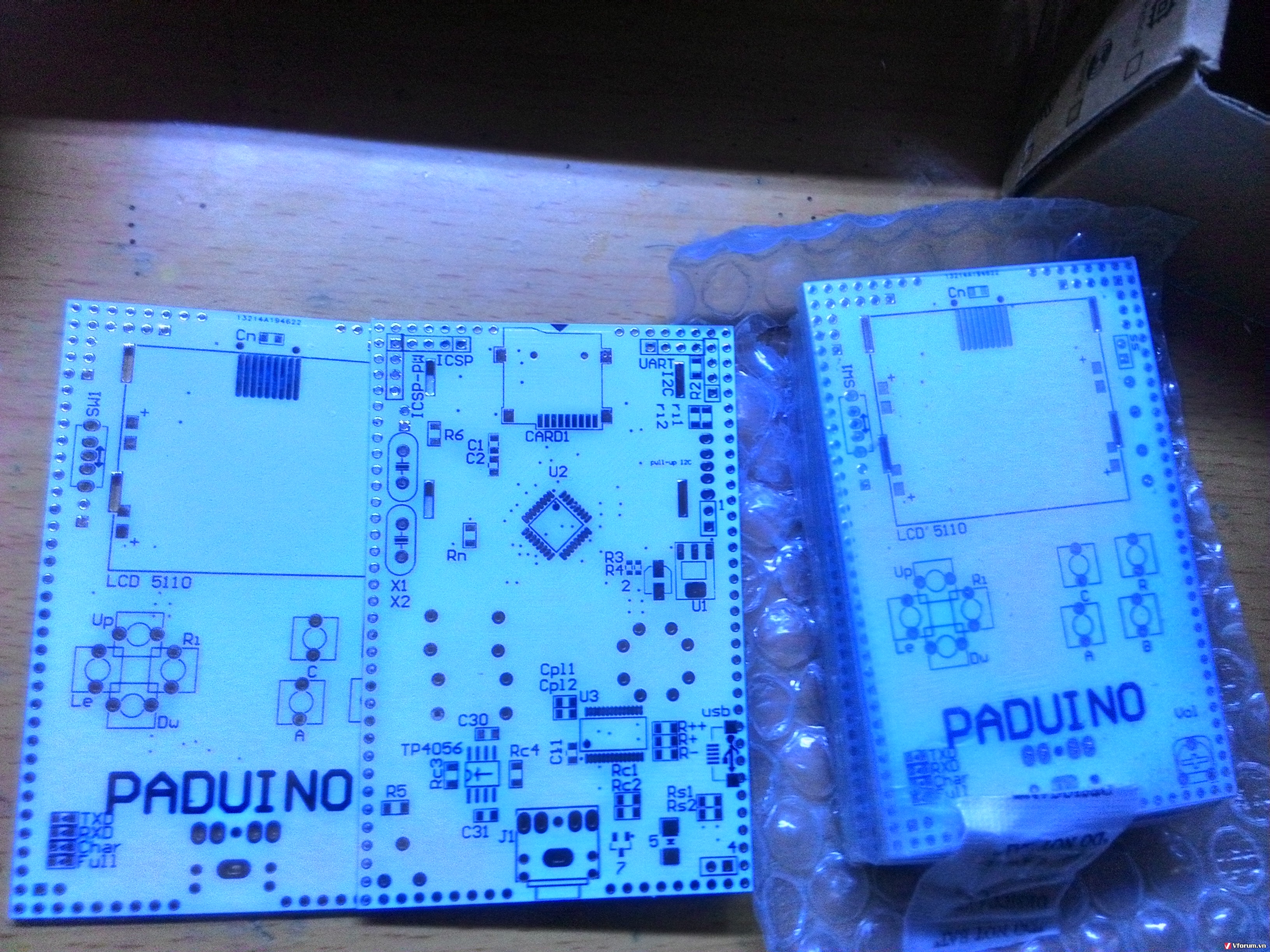
Thank for the great help of members in this forum
This is the link of PCB (altium):
https://drive.google.com/open?id=0B-oaK ... mZUaFVBUDA
Video demo:
https://www.youtube.com/watch?v=ocNuJvJDAUM
erico Mon Jun 12, 2017 7:29 pm
Imgs are broken, but the video link is fine.
Quite nice! What is the forth button about?
Quite nice! What is the forth button about?
TranAnhDeGBN Tue Jun 13, 2017 1:49 am
erico wrote:Imgs are broken, but the video link is fine.
Quite nice! What is the forth button about?
Images problem solved
Thank you :) :) :)
Button R is reset button.
erico Tue Jun 13, 2017 3:35 am
Well done job!
Are you using different button parts? How are they compared to the original?
Are you using different button parts? How are they compared to the original?
TranAnhDeGBN Tue Jun 13, 2017 4:38 am
erico wrote:Well done job!
Are you using different button parts? How are they compared to the original?
All buttons (A,B,C,Up,Down,Left, Right) are compatibility with Gamebuino Lib. =D
And button R is reset hardware button.
erico Tue Jun 13, 2017 5:01 am
Oh no, I now mean the actual part, the button hardware/mechanism.
rodot Tue Jun 13, 2017 7:57 am
Wow ! I'm starting to think we need a Clones gallery in addition to the Games gallery ! :D
Sorunome Tue Jun 13, 2017 8:12 am
This is looking great!
However with the reset button in that position, don't you accidentally hit it every now and then?
However with the reset button in that position, don't you accidentally hit it every now and then?
TranAnhDeGBN Tue Jun 13, 2017 10:45 am
erico wrote:Oh no, I now mean the actual part, the button hardware/mechanism.
sorry i don't understand what's your mean =(
my English is not good.
TranAnhDeGBN Tue Jun 13, 2017 10:52 am
rodot wrote:Wow ! I'm starting to think we need a Clones gallery in addition to the Games gallery ! :D
Thank you =D
I saw some GamebuinoClone on Forum and they are so great, and then i built one for me =D.
I used original GamebuinoLIB to build this PCB.
TranAnhDeGBN Tue Jun 13, 2017 10:58 am
Sorunome wrote:This is looking great!
However with the reset button in that position, don't you accidentally hit it every now and then?
Thank you =D
I was just think that we will need reset button for some projects later. =D
erico Wed Jun 14, 2017 12:13 pm
TranAnhDeGBN wrote:erico wrote:Oh no, I now mean the actual part, the button hardware/mechanism.
sorry i don't understand what's your mean =(
my English is not good.
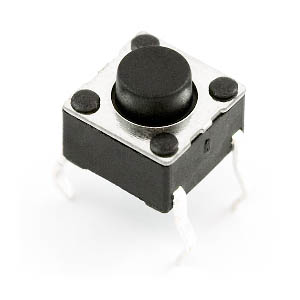
Don´t worry. By the looks of Paduino, it seems to me it uses a different button part, like this one for example:
- 00097-03-L.jpg (20.5 KiB) Viewed 1562 times
I was just wondering how they would feel, some are more clicky, some have bigger travel distance, etc.
TranAnhDeGBN Wed Jun 14, 2017 4:52 pm
erico wrote:TranAnhDeGBN wrote:erico wrote:Oh no, I now mean the actual part, the button hardware/mechanism.
sorry i don't understand what's your mean =(
my English is not good.
Don´t worry. By the looks of Paduino, it seems to me it uses a different button part, like this one for example:
I was just wondering how they would feel, some are more clicky, some have bigger travel distance, etc.
Thank for your patience with my bad Eng =D

These are the buttons that i used. =D It have 2 pin, =D
I was just find some buttons in my electronic components box and design the PCB based with pinout of them.
These buttons are very good (Sensitive, Smoothly).
You can find it on digikey:
https://www.digikey.com/products/en/swi ... ord=button
you can change the footprint of buttons in Altium project to use 4 pin button part (on your pic) like Gamebuino original