
Archive of the Gamebuino Classic forum (2014-2018), rebuilt from the pages kept by the Wayback Machine: only part of the topics and pages were captured. Read-only. Removal on request: hi@gamebuino.com.
Gamebuino based mini arcade cabinet
HWHardSoft Sun Apr 27, 2014 9:00 pm
Hi,
I've made a very small arcade cabinet (14cm height) based on Gamebuino. It's not 100% finished, but I will finish it in the next days.
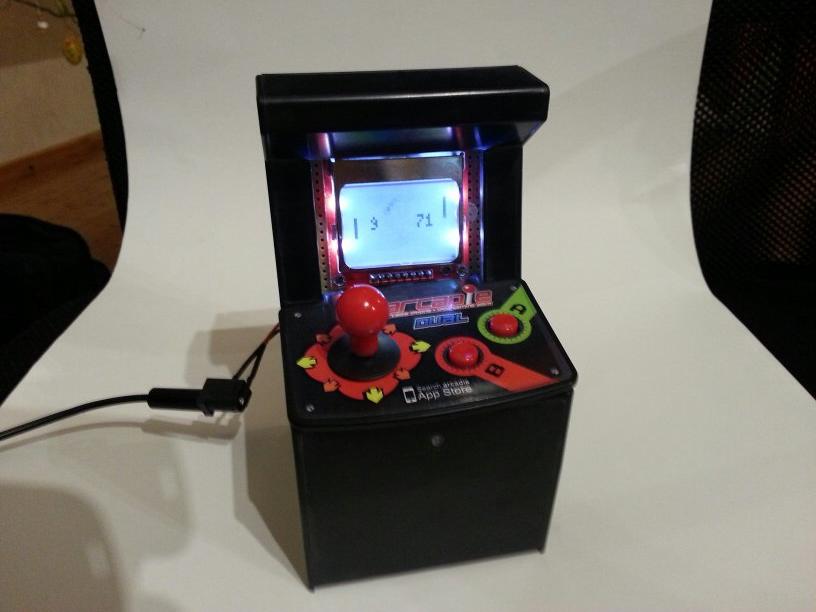
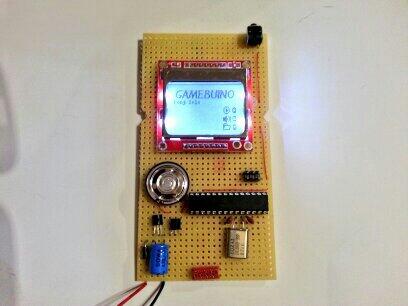
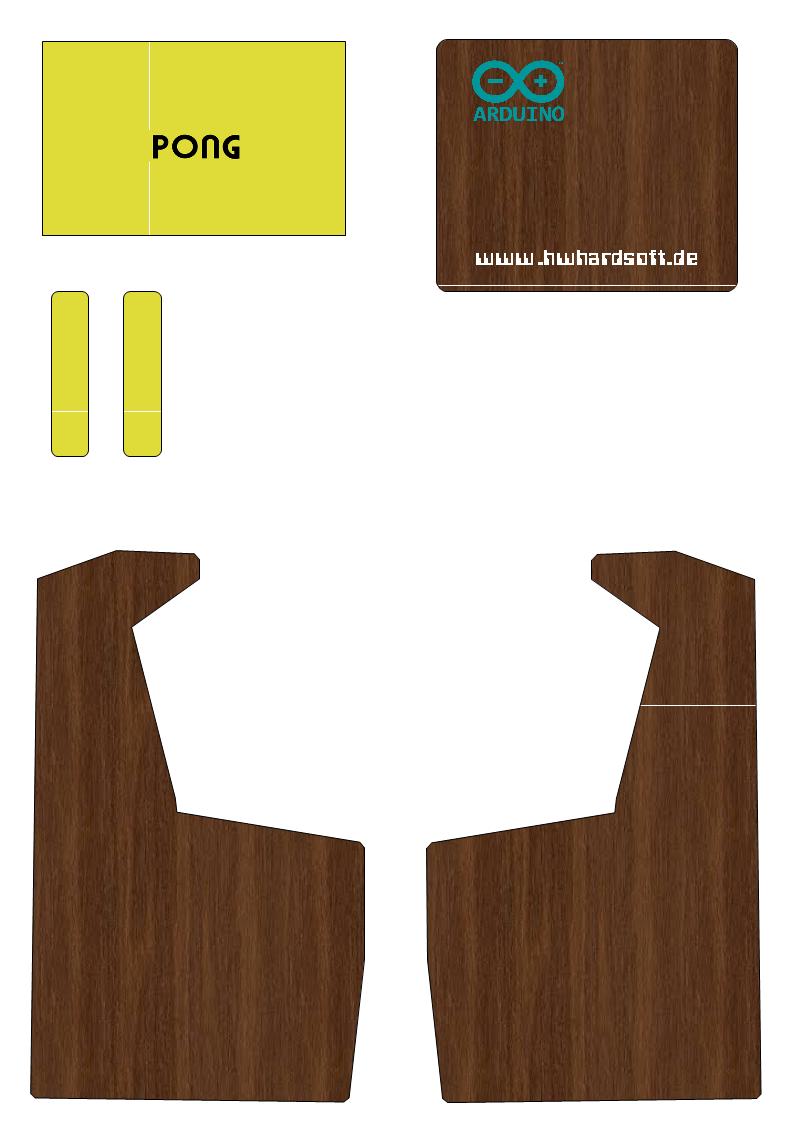
I will post pictures (and videos) about the finished arcade soon.
Cheers
Harty
I've made a very small arcade cabinet (14cm height) based on Gamebuino. It's not 100% finished, but I will finish it in the next days.
I will post pictures (and videos) about the finished arcade soon.
Cheers
Harty
Myndale Sun Apr 27, 2014 9:27 pm
Love it! :)
Do you have the C button tucked away anywhere?
Do you have the C button tucked away anywhere?
adekto Sun Apr 27, 2014 9:37 pm
awesome
looks like u use some iphone arcade thing, where there any electronics in it or is it just some pas true that went on the thouch screen?
looks like u use some iphone arcade thing, where there any electronics in it or is it just some pas true that went on the thouch screen?
dotdan Mon Apr 28, 2014 6:42 am
Nice one!
I am looking forward to a short YT video-introduction.
Is that possible? :D
I am looking forward to a short YT video-introduction.
Is that possible? :D
rodot Mon Apr 28, 2014 9:25 am
Awesome, that looks really good :)
Skyrunner65 Mon Apr 28, 2014 12:11 pm
Fantastic!
(seriously, where's the C button?)
(seriously, where's the C button?)
rodot Mon Apr 28, 2014 12:55 pm
Seeing the PCB, I suspect that none of the buttons are connected for now... as he said it's not finished yet.
erico Mon Apr 28, 2014 2:21 pm
Looks great!
HWHardSoft Mon Apr 28, 2014 5:55 pm
Hi,
many thx for ur comments :D
The C button is on upper right corner of the PCB. The joystick and buttons A and B are connected via the red Tyco MicroMatch connector on the lower side of the PCB. There is also a SD card connector on the backside, but not tested until now ;)
I've used an Arcadie gamedock for iPhone and iPod as case. The original electronic (only an connector and some cables) is removed - except the pcbs for the joystick and buttons...
I will made a Youtube video, Instructable, page on my website etc... soon as possible. I hope I can show more pictures until next weekend ;-)
Cheers
Harty
many thx for ur comments :D
The C button is on upper right corner of the PCB. The joystick and buttons A and B are connected via the red Tyco MicroMatch connector on the lower side of the PCB. There is also a SD card connector on the backside, but not tested until now ;)
I've used an Arcadie gamedock for iPhone and iPod as case. The original electronic (only an connector and some cables) is removed - except the pcbs for the joystick and buttons...
I will made a Youtube video, Instructable, page on my website etc... soon as possible. I hope I can show more pictures until next weekend ;-)
Cheers
Harty
dotdan Mon Apr 28, 2014 6:32 pm
HWHardSoft wrote:I will made a Youtube video, Instructable, page on my website etc... soon as possible. I hope I can show more pictures until next weekend ;-)
Hey Harty
nice one & thank you in advance!